


{multithumb caption=0}Here is an example how to generate documentation for your VB .NET or C# project in a few seconds in the easiest case.
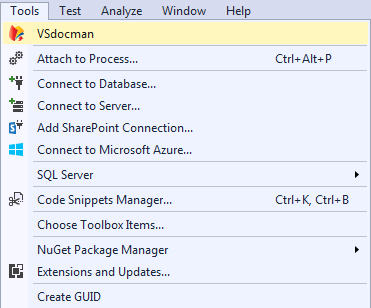
After installation, VSdocman button appears in the Tools menu and on the standard toolbar as well.
 |
 |
This button invokes main VSdocman window where you can set various settings.

Press Compile Project button on Compile pane. Compilation progress dialog appears and some log messages are printed in it.
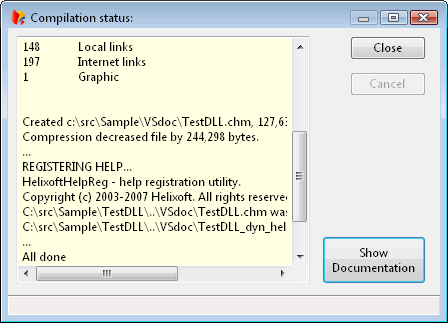
You can then test generated documentation by pressing the Show Documentation button.