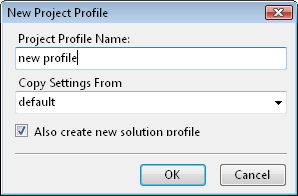
VSdocman allows you to define profiles with various settings for projects and solutions. This works the same way as configurations in VS.
There are two kinds of profiles:
1.Project profile
2.Solution profile
Each solution and project has always at least one profile named "default". This profile cannot be deleted. If you don't need more profiles, the "default" profile is all you need for storing your settings.
 Project profiles
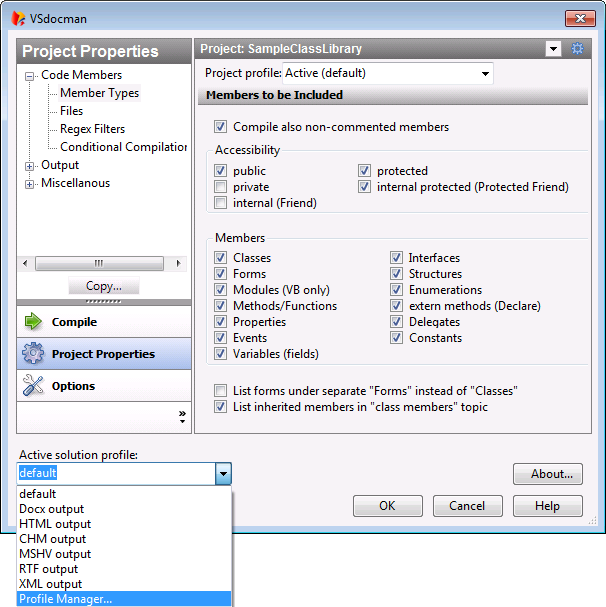
Project profile holds a set of settings for particular project. These are settings that can be specified on VSdocman project properties pages. The project properties page contains Project profile field at the top.
Here you can select for which project profile you want to edit the settings. The settings for selected profile are automatically saved when you close the window. Note, you cannot create or delete project profile with this field. Moreover, selecting particular project profile in this field doesn't make this profile active! Active profile means that it will be used during compilation. Active project profile is determined by the solution profile selected in Active solution profile field at the bottom of the window and it is marked as Active followed by project profile name in parentheses. |

Solution profiles
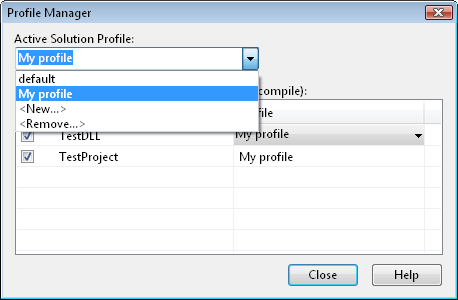
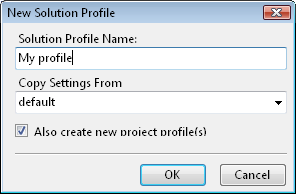
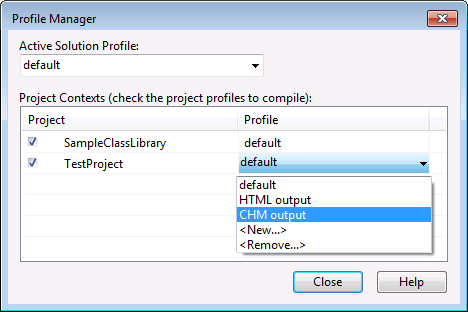
Solution profile holds information about entire solution settings. You can define which projects will be included in compilation and assign project profiles to the solution profile. Moreover, the solution profile contains solution-wide common properties. Only solution profile can be selected as active which means that assigned project profiles will be used during compilation. You can select active solution profile in Active solution profile field at the bottom of VSdocman window.
You can invoke Profile manager from there as well. |