


Go to Tools - VSdocman menu or press VSdocman button on standard toolbar. VSdocman dialog appears, select Options pane. Set Miscellanous - General page.
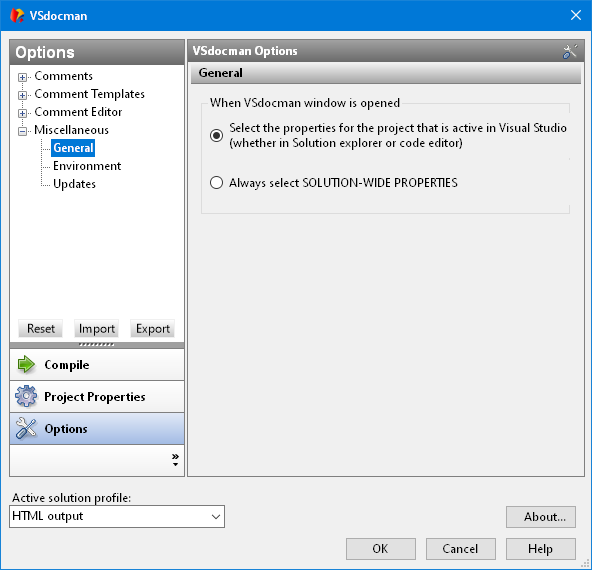
When VSdocman window is opened
When you open main VSdocman window, you can decide which project properties are automatically displayed. By default, the window displays the properties of the project that is currently active in Visual Studio, i.e. it is active in Solution explorer or in the code editor. If you however generate the single documentation for entire solution, you need to work with SOLUTION-WIDE properties. In such a case it's useful to automatically activate these solution properties each time you open VSdocman window.
